
Tournaments can always be deleted. To do this go to My Tournaments and pick the tournament you would like to delete. Click the cross in the Tournament column in order to delete the tournament.

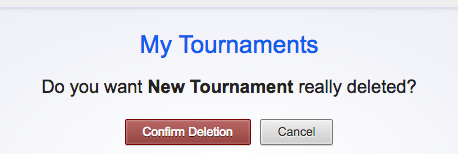
The tournament is sent to the archive. In the archive you can still view the tournament and its results. If you want to delete the tournament from the archive, click the Open archive button and then click the cross next to the tournament. On top of the page you’ll be asked if you really want to delete the tournament. Check the name of the tournament and click Confirm Deletion to finally delete the tournament. Click Cancel if you picked the wrong tournament or aren’t sure whether you really want to delete.
If you want to restore a previously deleted tournament from the archive, click the Open archive button and then click the Restore button next to the tournament. The tournament will be restored and can be found in My Tournaments. You can only restore tournaments if you have not yet reached the maximum number of tournaments.