
Group matches and some of the matches in the final round can be deleted easily. To do this go to Run Tournament and click on Change match sequence, times, fields, placements. Here, you can click on the little cross to delete a match. The match will now be marked grey.
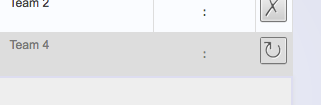
By clicking the Recovery Symbol the match can be restored.
To save these settings just click Save or Save and Return on top of this page.
In final rounds only those matches can be deleted that have no other matches depend on them. Hence, the result can not be used to find out which team is playing in a different pairing.