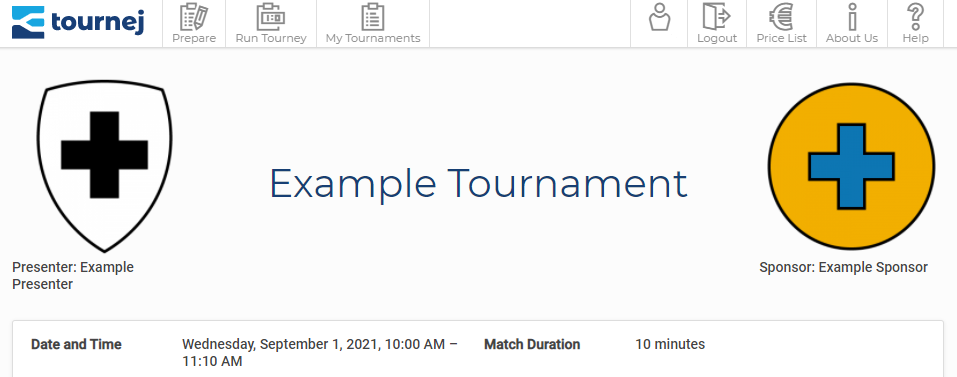
For your tournament you can add a presenter and if you have a premium account you can also add a sponsor.
To add presenters and sponsors just go to the first step in Prepare Tournament. If needed you can use the Back buttons to jump back to that page – all entered data, like team names etc., will remain.
In the upper section you’ll find the boxes Presenter, Presenter Logo and Presenter home page (URL). Here, you can enter the presenter, their logo and their website. By clicking on the logo users will be linked to the presenter’s website.
For premium users, right below the presenters, the same settings can be found for sponsors.
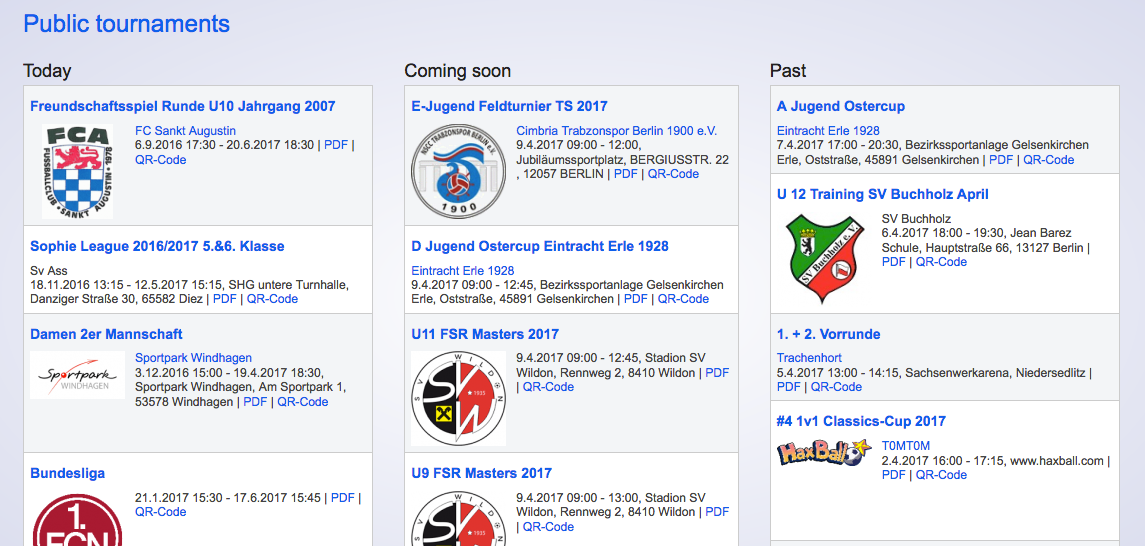
The presenter will appear on the front page as well as on the page My Public Tournaments (Premium Function) just next to the name of the tournament.
On the tournament’s pages, e.g. the Presentation Page, the presenter will appear on the left and the sponsor on the right of the tournament’s name.