
Logos can be used in various places on our site: on the Presenters and Sponsors as well as Group and Participant Logos or on the My Public Tournaments page (premium function).
To use a logo, it must first be uploaded.
Uploading logos
- Uploading an image from an external URL
- Uploading an image directly
- Uploading an image with drag & drop
To upload a logo, first go to the page on which you want to use the logo, for example the first step of Prepare Tournament, to upload a presenters logo. You will see a gray coat of arms icon wherever you can upload a logo.
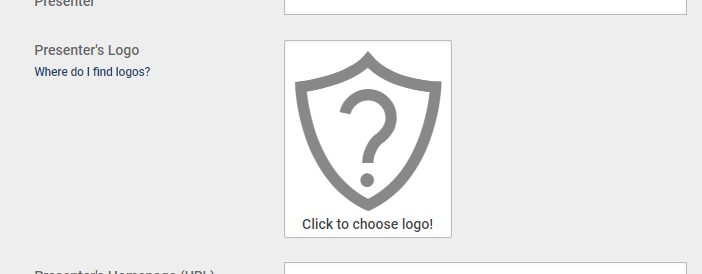
When you select this coat of arms icon, the Gallery opens. You can upload images here via their URL or from your own device.
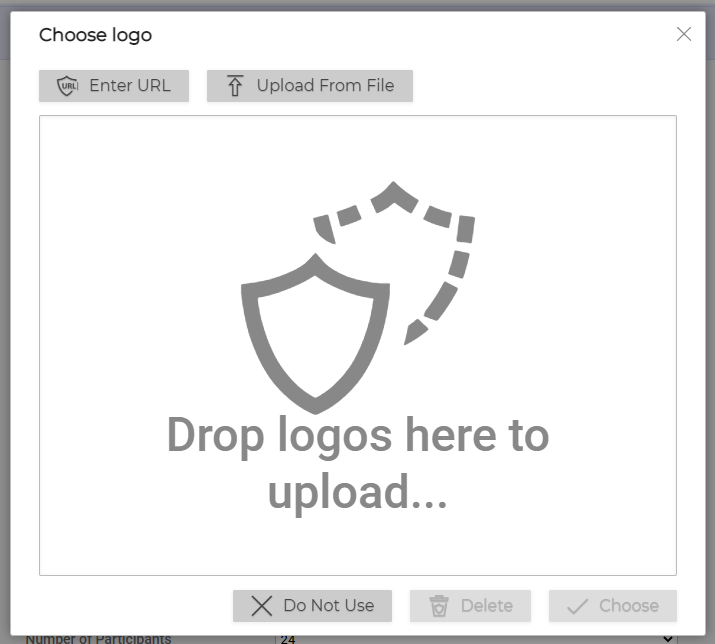
Uploading an image from an external URL
You can use this option if the image is on another server, such as a club homepage.
First select the image on the other homepage and copy its URL. Depending on the browser and device, the steps to do this may vary slightly.
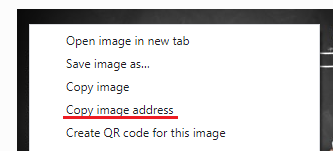
Then go to Enter URL in the Gallery. An input field opens, into which you can paste the copied URL. Then go to Upload from URLand the logo will be saved to our servers and can now be used.
If an error occurs while uploading the file, then first try to save the file to your own device so that you can upload the image directly.
Uploading an image directly
If the image is saved to your own device, then do the following:
Open the Gallery and click or tap on Upload from File. A window will open in which you can select the file. Navigate to the file, select it, then click Open. It will now be uploaded to our server and can be used.
If that does not work, check whether the image is in * .jpg, * .png or *.bmp format and convert it, if necessary. Very large files (over 4 MB or 26 megapixels) will also be rejected.
Uploading an image with drag & drop
This is the most convenient and fastest of the three options when using computers.
Simply drag the image from a directory on your computer or from another website into the Gallery while holding down the left mouse button. Images stored as local files can be uploaded directly, while images from an external website are initially stored as a URL and then have to be uploaded to our server using Upload from URL.
If that does not work, please use one of the other two methods.
Using logos
To use a logo, open the Gallery from where you want to use it. Select it here and then click the Choose button. The Gallery closes and the logo is now stored in the appropriate place.
To stop using a logo in a particular place, open the Gallery in the appropriate place and click on Do Not Use.
Using participant logos
In order to be able to use participant logos, the field Use Participant Logos must be activated in the first step of Prepare Tournament. Click on Save and Next to get to the overview where you can adjust the participant settings. You can now use logos for this tournament.
Using group logos
In order to be able to use group logos, the field Use Own Group Names must be activated in the first step of Prepare Tournament. Click on Save and Next to go to the overview where you can adjust participant settings. You will now see the option of storing logos for the groups for this tournament.
Deleting logos
To completely remove a logo from our servers, select it in the Gallery and click on Delete. It will then be deleted from our servers and removed from all places where it is still in use.